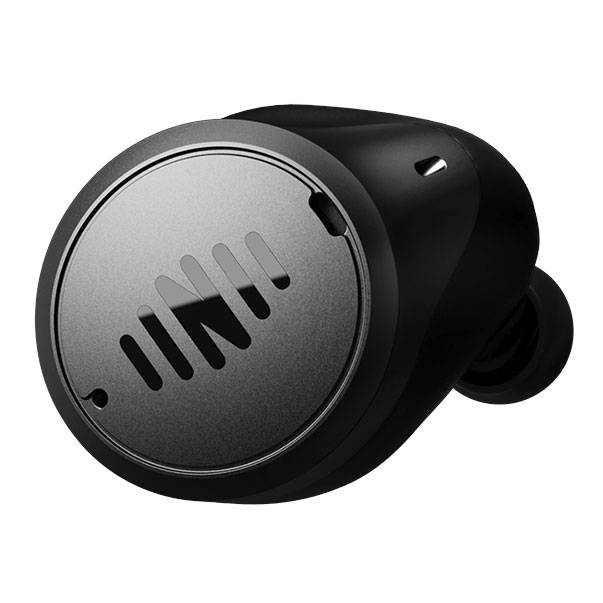
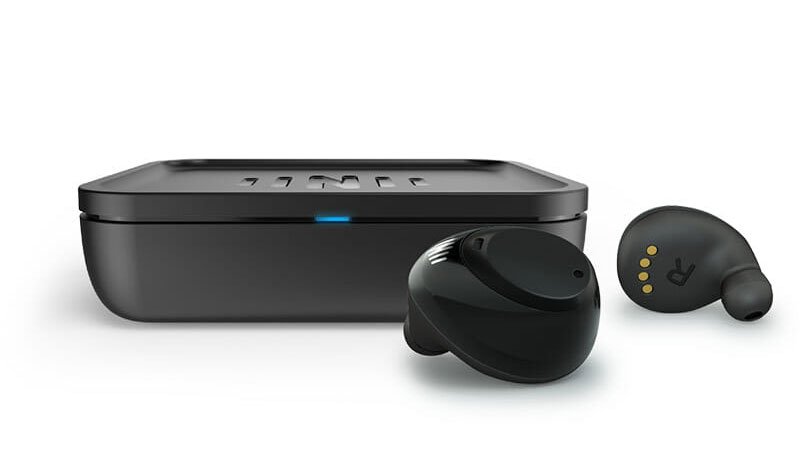
You can think of the MAX as a wireless earbud with some hearing aid features. Let’s discuss some of those features and what to consider if you are thinking of purchasing these earbuds.
Key Features
- 12 channels
- Wide Dynamic Compression (WDRC)
- Feedback management system
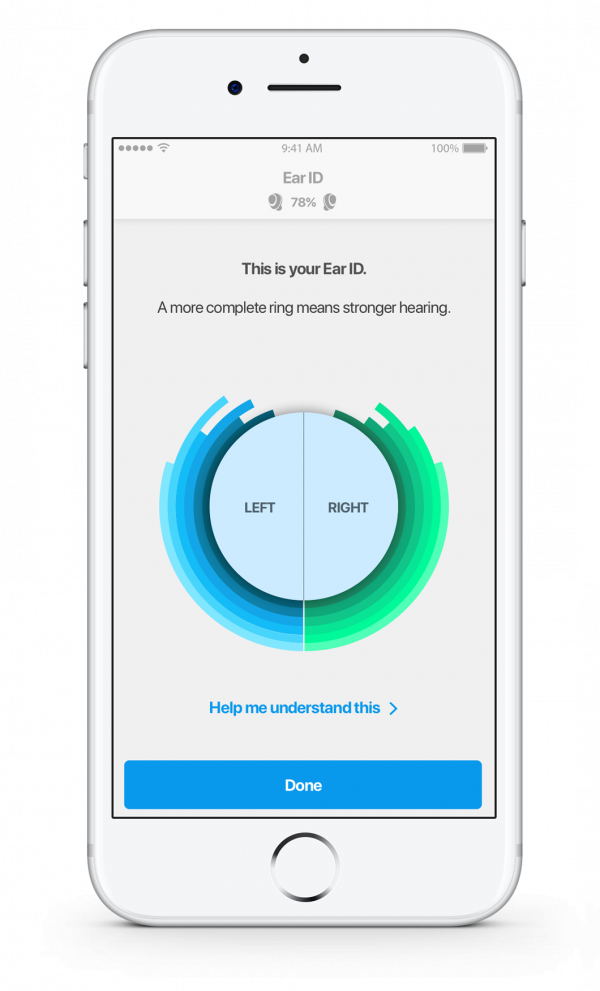
- Ear ID™ customizes settings to your hearing
- SINC™ noise reduction
- Directional microphones—3 in each earbud with Focus control via app
- World EQ equalizer
- 7 programs via smart phone app (4 available via tap control on device)
- Bluetooth® 5.0
- Built-in rechargeable battery and portable charging case
- 30-day return policy
Like a hearing aid, but not
MAX incorporates several features that are consistent with conventional digital hearing aids including multiple processing channels, wide dynamic compression, feedback management and noise reduction. These are common features of current hearing aids on the market today. However, you (or in the case of a hearing aid, the professional) don’t have as much control over the processing and are limited to what controls are available within the smart phone app. Regardless, the features likely provide improved listening compared to a less advanced set of earbuds.
Setting up IQbuds² MAX
Setting up MAX begins with a hearing test through the earbuds themselves via a feature called Ear ID. You will first choose good fitting ear tips from the included supply. The hearing test is conducted in quiet and assesses your hearing at 6 different frequencies from 500-6000 Hz. The app then uses these results and applies a well-researched hearing aid fitting formula called NAL-NL2 to adjust the settings of the earbuds. This formula is like a hearing prescription and is used by many hearing care providers (HCPs) to fit digital hearing aids. With the hearing test results and the fitting formula, the earbuds “calibrate” themselves to your unique hearing status. If you hearing changes, you can re-take the hearing test as needed.
Speech in Noise Control (SINC)
Another feature within MAX is SINC or “Speech in Noise Control”. SINC allows you to adjust within the smart phone app and via a sliding scale or “action bar”, the level of ambient noise. The intent is to make speech easier to hear in noisier situations like a restaurant. SINC is a frequency control which works in conjunction with active noise cancellation to minimize background noise and enhance frequencies with speech information.
Directional hearing with Focus
Another control, called Focus, is available to help improve speech understanding in noise. Unlike SINC which relies on a noise reduction algorithm and frequency shaping, Focus uses beamforming to fine tune the sensitivity of the 6 microphones within the two earbuds. MAX utilizes Nearfield Magnetic Induction (NFMI) wireless communication between the 2 earbuds to synchronize the directional mics as well as to align such things as programs and volume in both devices. Within Focus, you can, again via the app, point the microphones forward or choose to pick up sound from all around you. This is also useful in noisy situations like a restaurant where you want the microphones to be more sensitive to speech in front of you as opposed to noise from behind you.
Adjusting pitches with World EQ and Locations
World EQ, another control available within the app, is an additional frequency control option allowing you to alter bass or low frequency sounds as well as treble or high frequency sounds. This works via an action bar within the app where, for example, moving the slider to the left will increase treble and minimize the bass. This may be useful in situations where high frequency sounds such as clinking dishes can be annoying when amplified. Move it to the right and you have the opposite effect.
If you prefer to choose from a collection of preset listening profiles, called “locations” within the app, these are also available including restaurant, home, workout, and several others. There are 7 location presets in all each with different parameters tuned for that location. These can be accessed via the app or you can choose 4 preferred locations to be stored in the devices. That is, without the app, you can change between 4 different locations by tapping the earbud.
A good fit makes all the difference
Keep in mind that the fit of the earbud will play a factor in how well these sound treating features work. That is, if the ear tips don’t fit well and seal the ear properly, then noise and other sounds will enter the ear without the benefit of being treated by the device. So, a good fit is required to achieve the best hearing results.
Tap control
The tap feature is also used for other functionality like starting/stopping streaming and how the device is tapped will tell it what change to make. In the case of a program or “location” change, you can cycle through them with a long, 2 second tap. The earbuds will provide you with an announcement of the location type as you change them.
Connectivity
MAX incorporates Bluetooth 5.0 for wireless connectivity and is compatible with both Apple® and Android™ phones. They also support hands-free calling which means that unlike some hearing aids where in order for the caller to hear your voice you need to speak into the phone, the earbuds also act as a microphone. You’ll hear the caller in both earbuds during the call. You can accept or reject a call by tapping the earbuds or via the app.

)
:format(webp))

